


Pop-up screen won't close or respond

The following screen suddenly appears at random times on my Windows 10 desktop and will not respond nor close:

I can mouse over the bottom center of it and an "OK" button appears, but pressing it does nothing. This graphic takes up nearly 25% of my screen, and is always on top of my browser and anything else I move into that area. I'm assuming this is Avira-related because it has the same look/feel as graphics on the Avira dashboard.
Why is it appearing and how do I remove it?
-

Bottom right of my screen. Seems like support is completely inept. Killing the task is insane. clicking on the OK does nothing.
I am uninstalling and going to software that is supported when bugs happen.
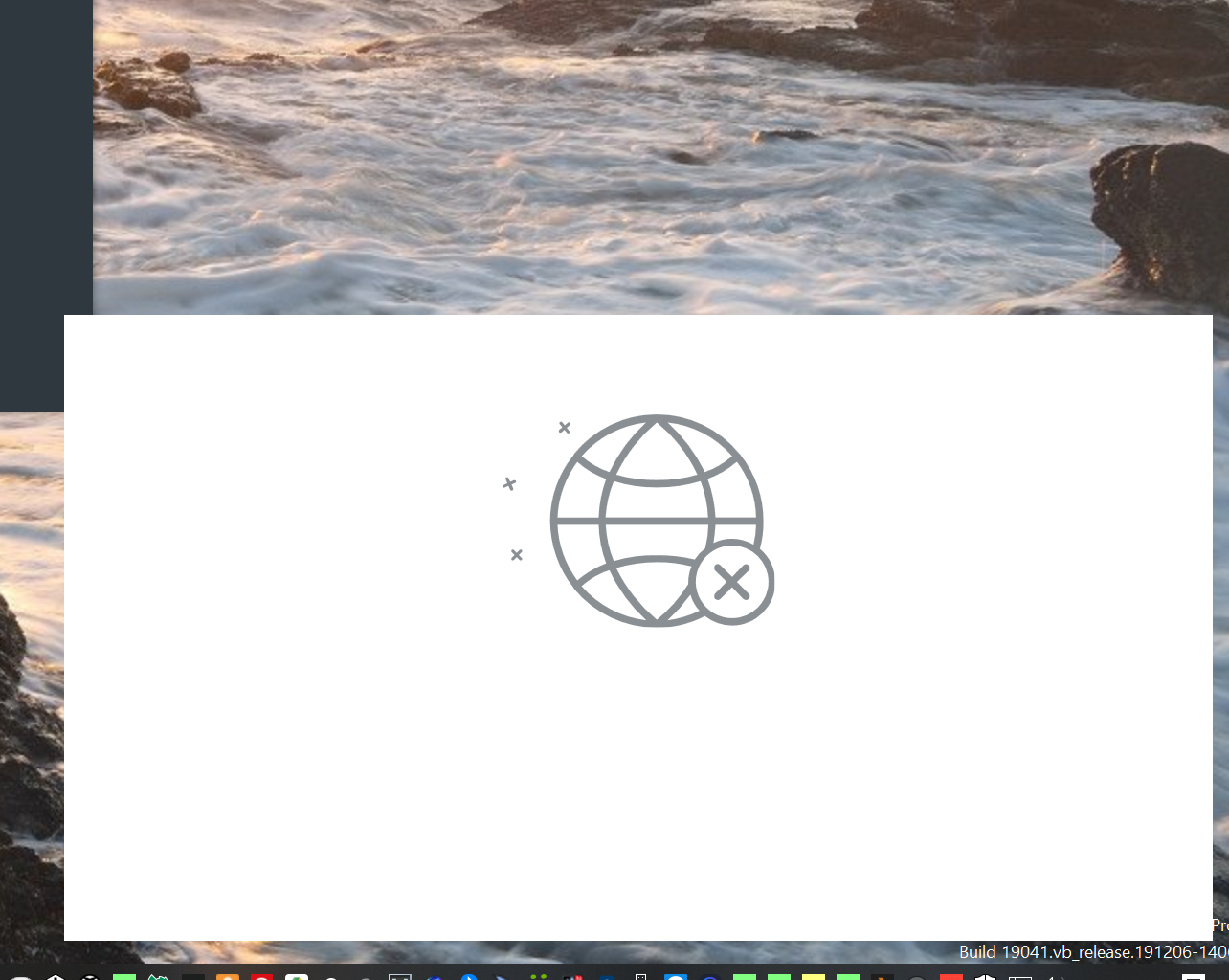
and if you hover near this area, you can get OK to appear with no click..
 0
0 -
Annoying! Popup!
First you force us to install you shit other software,
now this?
Avira wanted us to pay for this fucking fix? LOL
 0
0 -
well, i just wanted avira devs to know that I'm deleting the app because of the problem. if it exists for 3 months and hasn't been solved yet, how are you going to protect my computer from viruses that appear every day?
1 -
Same issue for me, I'm afraid.
The pop-up screen of death that won't go away, even when there're no internet connection issues.
Has happened on at lest 4 PCs that I manage.
It's annoying but there is a work-around which is manageable for me but more to the point is what the previous poster said - makes one rather wonder about the core functionality if this issue cannot be detected and remedied.
I'm a dev myself so I understand priorities and some things can be difficult to track down and reproduce but a little more attention on this forum by Avira would go a long way. At least acknowledging the problem for a start- surely the least that can be done is find this image in the coding resources and acknowledge that the image in the pop-up comes from the Avira software, even if they can't be sure why it is popping up? Then perhaps explain when and why it is *supposed* to pop up??
Anyway, there's a lot of talk about uninstalling Avira and using other software. Those that are going this route, please advise which software you're trying because as much as Avira does annoy me with this and the other sneaky software they try to install, I've found it to be one of the less invasive anti-virus suites that does at least give the savvy user a measure of control over what is installed.
0 -
Hi All,
Just a quick update of our running @AviraSupport failure to resolve: (Yes, that specifically includes you, Paul Lukas)
Problem persists. After a whole two weeks of no Avira's unclosable globe-in-your-face, here we go again...
 0
0 -
I uninstalled and am moving along. This is a perfect example of a company sticking its head in the sand. The other user who said it best. Something so disruptive not getting any attention for months now, and we are expected to put our trust that the virus def detection/updates are best in class? I think not.
Best of luck all!
0 -
Come on Avira, wake up, you have an annoying problem here driving all your customers away!
0 -

I guess I have solved the problem and now my popup messages are appearing correctly
Please follow the steps below and see if it solves your problem
1. Open the location C:\Program Files (x86)\Avira\Security
2. You will find the Avira.Spotlight.Service.exe, right click and go to its properties
3. Click the digital signature tab.
4. You will find Avira Questions and there select the details button.
5. Click view certificate
6. Install certificate
7. Choose automatic and install it by clicking Finish
8. Import was Successful will be displayed.
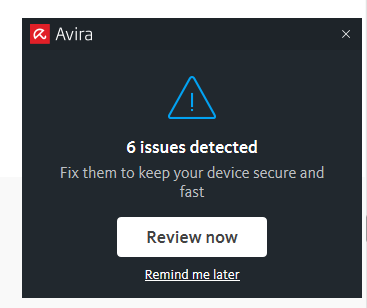
9. After some time popups will appear correctly. If not maybe after a restart it will work. For me it worked from next day i was using the PC. Here is the popup appearing now.
 0
0 -
Gaurab Banerji, That is some spectacular work and totally puts @... to total shame.
It also makes 100% sense. A lot of times the very badly built installer crashes and only continues after system restart. Not having installed the certificate could be a logical consequence and completely explain the bahavior.
VERY good work, dude!
I have done same and will revert with feedback.
0 -
I guess I found the solution, at least it works for me. I simply left click on the notification to make sure that I selected it, then press Alt+F4 from keyboard and the popup disappeared. I guess that might be a conflict among GPU driver, Windows and Avira.
Hope this works for all.
Cheers
0
Bitte melden Sie sich an, um einen Kommentar zu hinterlassen.
Kommentare
40 Kommentare