


unwanted software keeps reinstalling itself even after uninstall and reboot

how do i prevent the unwanted software components installation without uninstalling Avira completely? they keep re-installing themselves but i only want the Antivirus tool.
I usually have to uninstall manually...
- Avira\Game Booster
- Avira\Optimizer Host
- Avira\Security (this is actually the new UI.... uninstalling it makes Avira Antivirus to show the traditional interface, after a reboot)
- Avira\System Speedup
- Avira\VPN
each of them has an uninstaller executable tool in their respective folder under Program Files and they would usually stay uninstalled after being kicked out...
... today these programs started to refuse to take "NO" for an answer and they get silently installed again.
I have already uninstalled them twice today and they keep re-installing themselves, silenly and in the background. WTF?
-
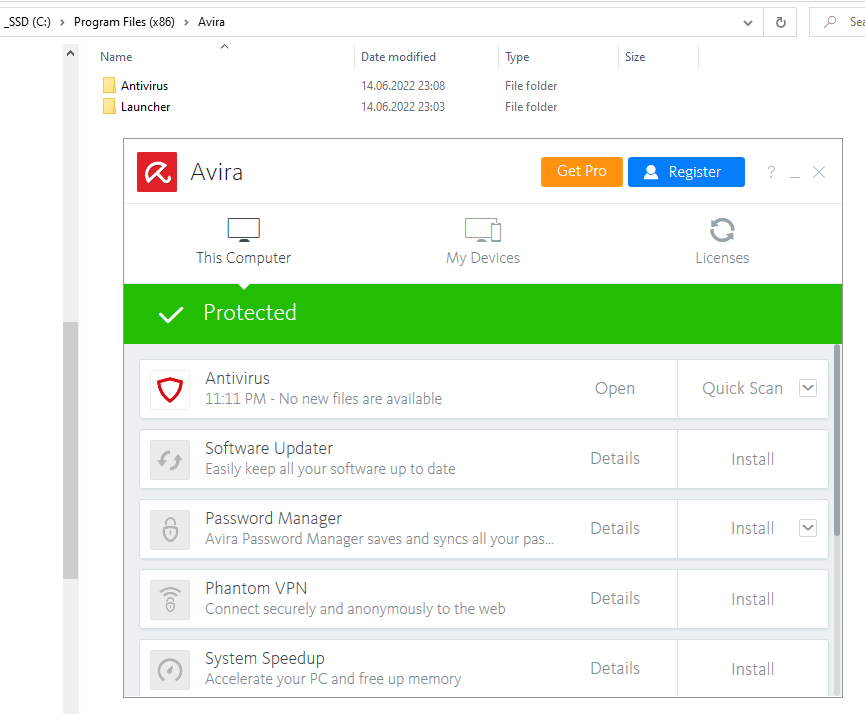
Update: i tried uninstalling those again today.... hooray... they don't seem to re-install anymore by themselves.
I even pressed the "update" link/button in the interface a couple of times, just to make sure... the "update" no longer auto-installs the unwanted stuffs.
Thanks for fixing that annoyance. edit: NOT. see below. :(
 0
0 -
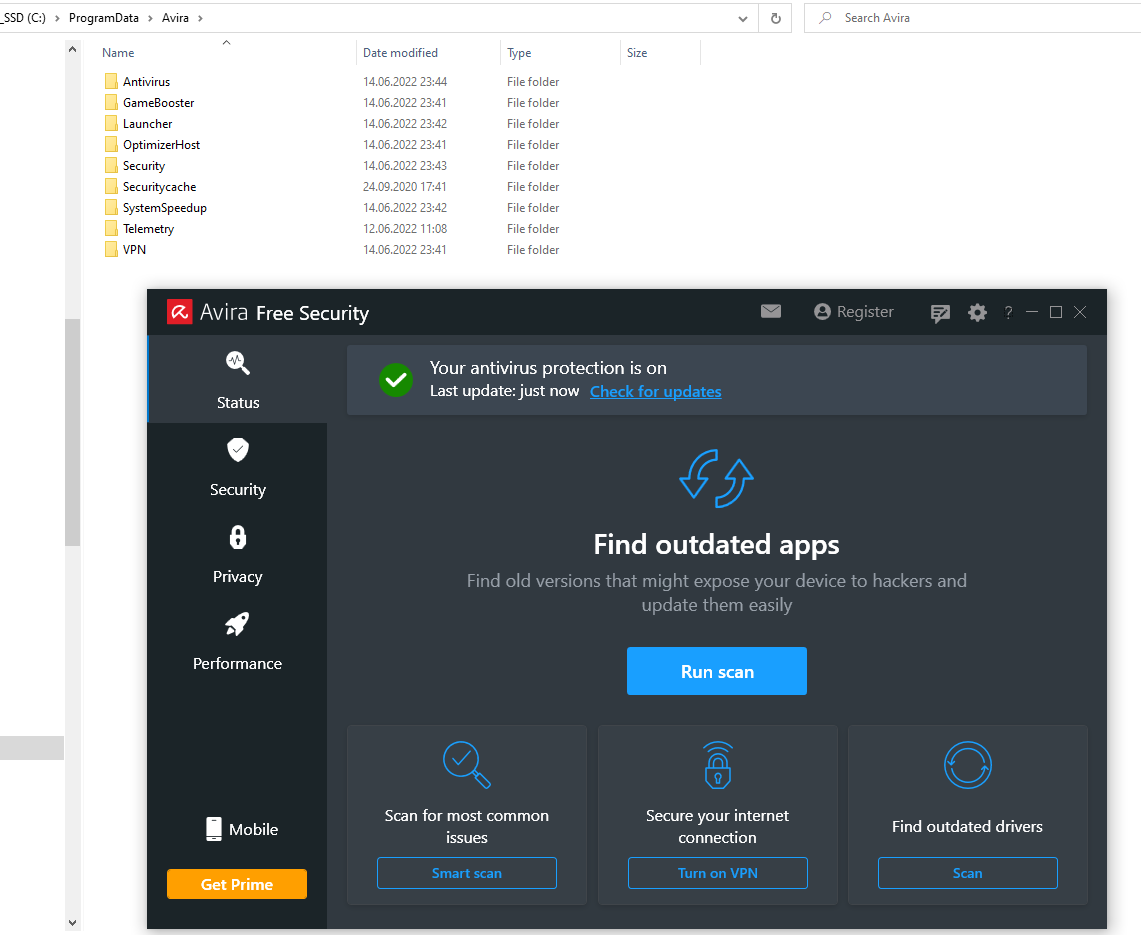
update 2: oh damn.... it happened again.
15 minutes after posting that message.... i saw a red flash in the system tray - the Avira icon being replaced... and now the CPU hogging stuff is back again.
 0
0 -
update 3:
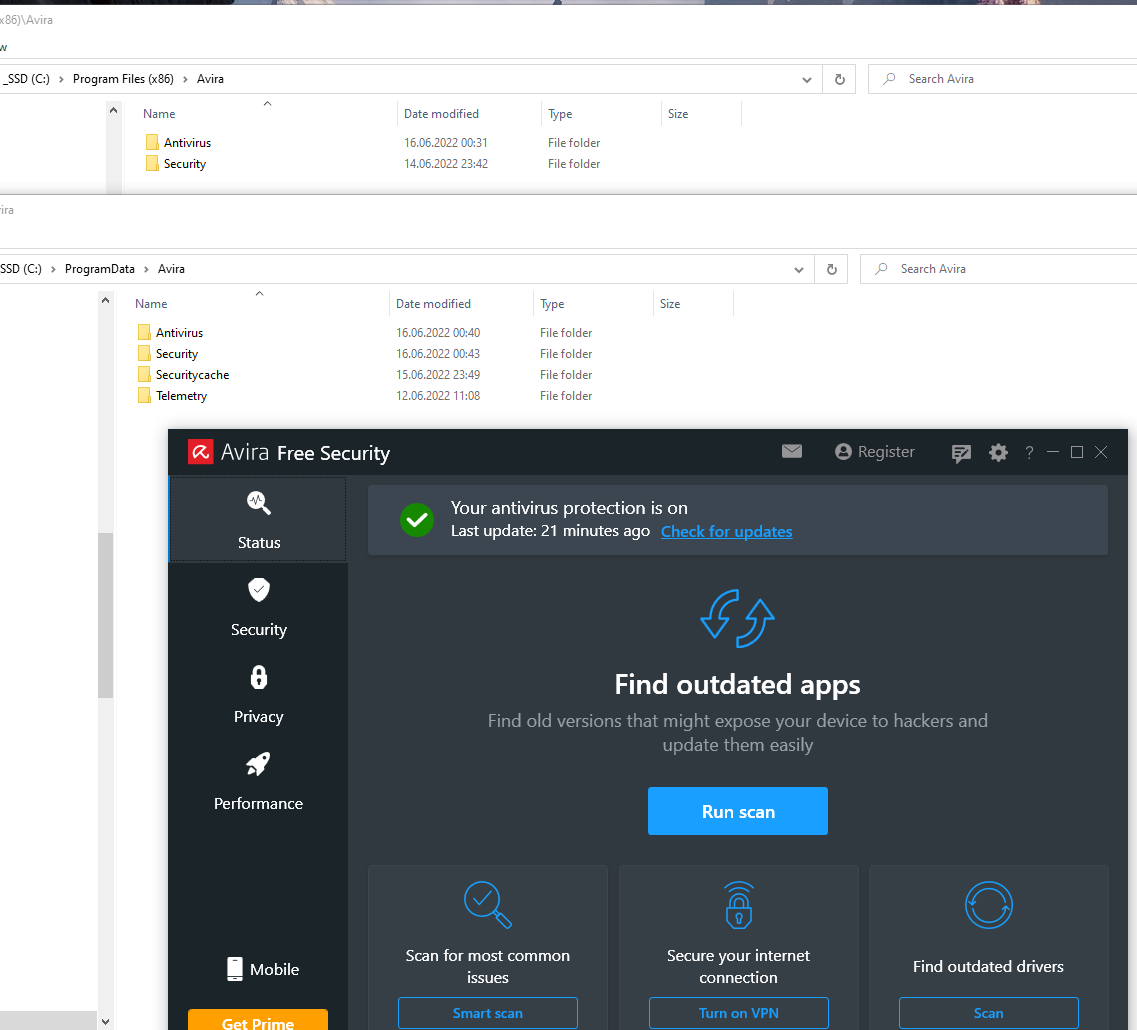
i uninstalled yet again almost everything else except Antivirus but this time i also left untouched the new launcher Spotlight GUI. (the so-called "Security" folder).
Rebooted and let it alone for 24 hours... it seems it's no longer installing the other CPU hogs.
but... the new Spotlight GUI is fugly and full of click bait functions that cannot be disabled/hidden, just waiting to install one of the already-removed programs. Even the systray icon has a click bait icon with a bubble in the corner and a tooltip saying "6 issues to fix", but when i open the interface there are no other messages,
 0
0
Bitte melden Sie sich an, um einen Kommentar zu hinterlassen.
Kommentare
3 Kommentare