


Can't uninstall Avira
Abgeschlossen
Recently I've installed a new antivirus but in the setup page it tells me i can't set it up due to there's other real time protection software - avira antivirus.
I've looked up different solutions:
looking at the official page of uninstalling avira
cleaning out avira registry
deleting the files related to avira - avipbb... I've also searched "avira" on my file explorer and deleted everything that come up...
But after rebooting and rebooting, the new antivirus still say that there's avira
So how do i uninstall avira?
-

Hello Brian,
Unfortunately, you have not told us which OS is installed on your system, and we do not have any information about your installed Avira version.
Problems can occur when installing two virus protection programmes, as well as when the remains of the installation have not been removed.
Here you can find instructions on how to remove the installation:
How do I perform a manual reinstallation of my Avira product? – Official Avira Support | Knowledgebase & Customer Support | AviraHave you run "Clean your system"?
Unfortunately, we do not have access to your customer account here in the community. Premium customers with a valid license can contact the support team directly from their customer account under "Support". From there, access to your customer account and your installation is possible, this is unfortunately not possible in the publicly accessible forum. Thank you for your understanding.
Kind regards
0 -
Hi pascha45,
My OS is wins10 and my avira version is free and the latest
(Idk whether it would be possible or not for parts of the older avira installation being left in the system while the newer ones are being created, and that's why it's still detecting it?)
(I found a uninstalling app so I reinstalled avira to let the app tracks it's related files... now I've uninstalled seemingly every parts of avira... but that didn't work)
I've tried Clean your system
(But i can't find C:\Documents and Settings so I assumed I can ignore it) and disk cleanup when I saw your reply and rebooted afterward, but my anti-virus still said it detects avira.
(I was using other avira account when I have avira on my computer couple of years ago and I've uninstalled it since then, the account is also free)0 -

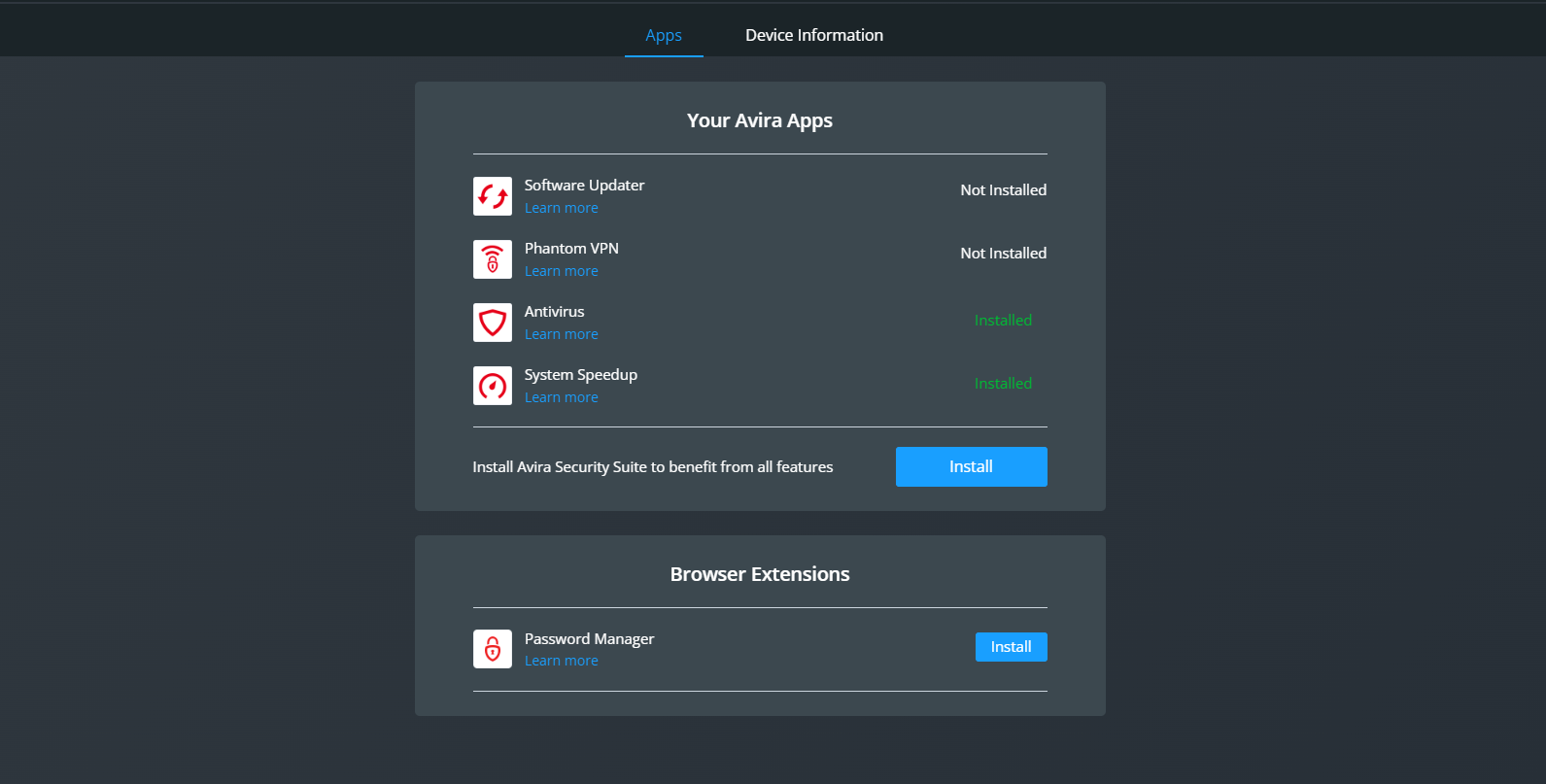 Looking at my old account, it said i've installed avira on my device which i currently don't0
 -
i'm using my old account now
0 -
I've installed it yet again from my account page...
Apparently when its installed, its not the same device despite them having the same name?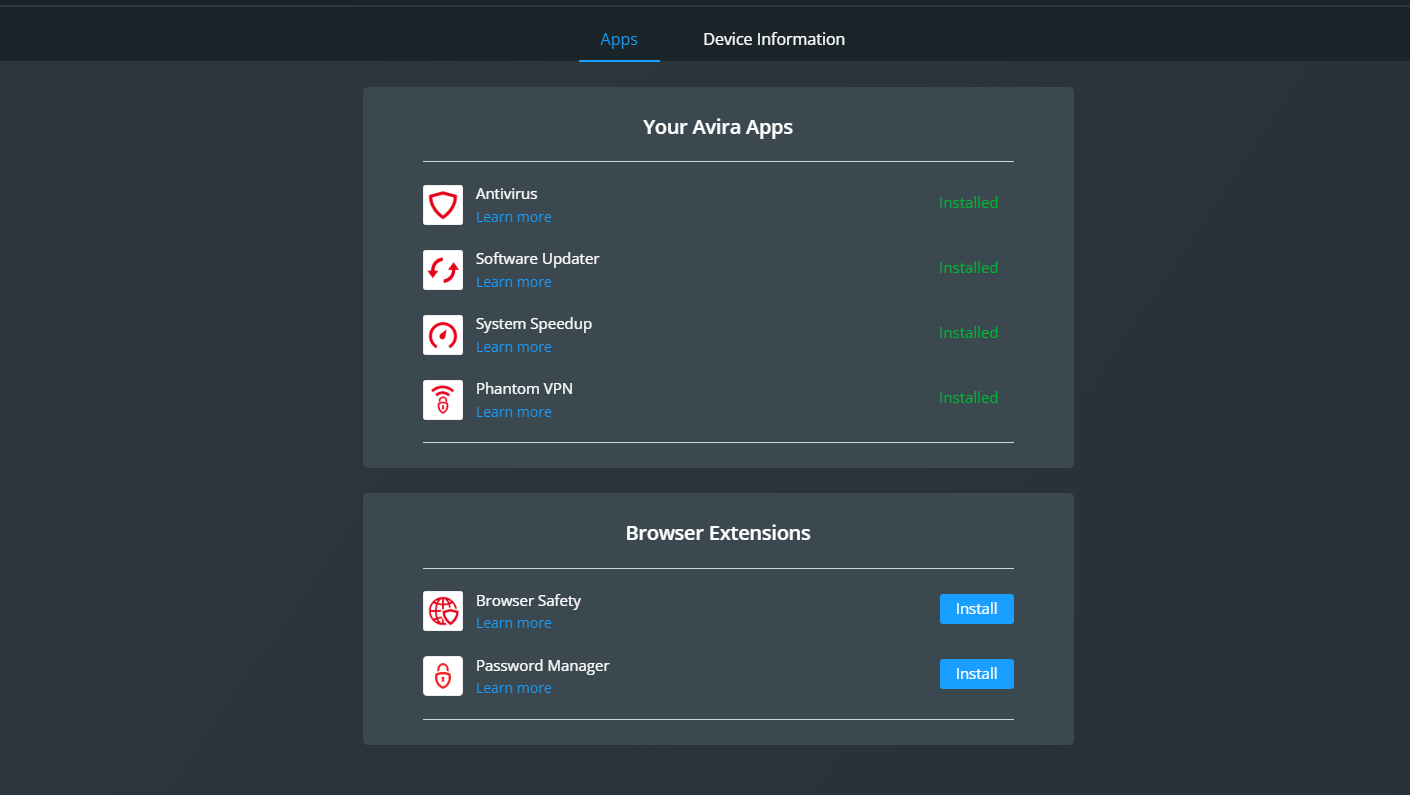 0
0 -
so... as it turns out, it was surfshark's problem, they're fixing it in the next update
0
Bitte melden Sie sich an, um einen Kommentar zu hinterlassen.
Kommentare
6 Kommentare