


Avira Free Security not compatible with macOS 11 Big Sur 11.3 ?

Hi there, after installing and re-installing Avira Free Security with the last update macOS 11 Big Sur 11.3 it's impossible to click or activate the SCAN buttons ? it's also impossible to know if we are effectively protected by Avira ?
-
So, problem solved : just have to reboot my Mac and then it works. Hope it will help :-)
-2 -

Hello Eric,
So, problem solved : just have to reboot my Mac and then it works. Hope it will help :-)
It should actually work after the restart, at least the problem did not occur with us.
Otherwise, please contact us again. We are happy to help.
Many greetings
-1 -

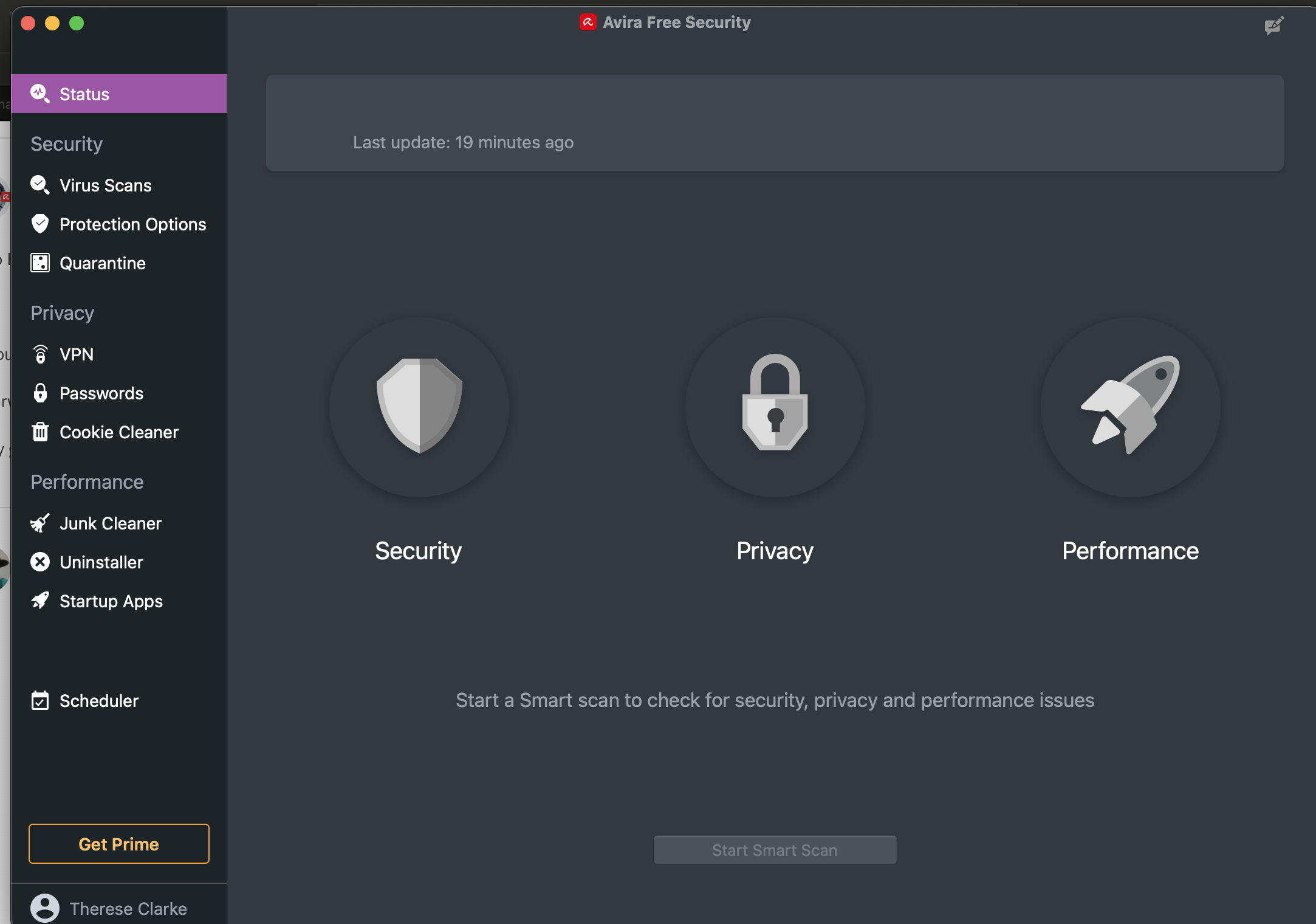
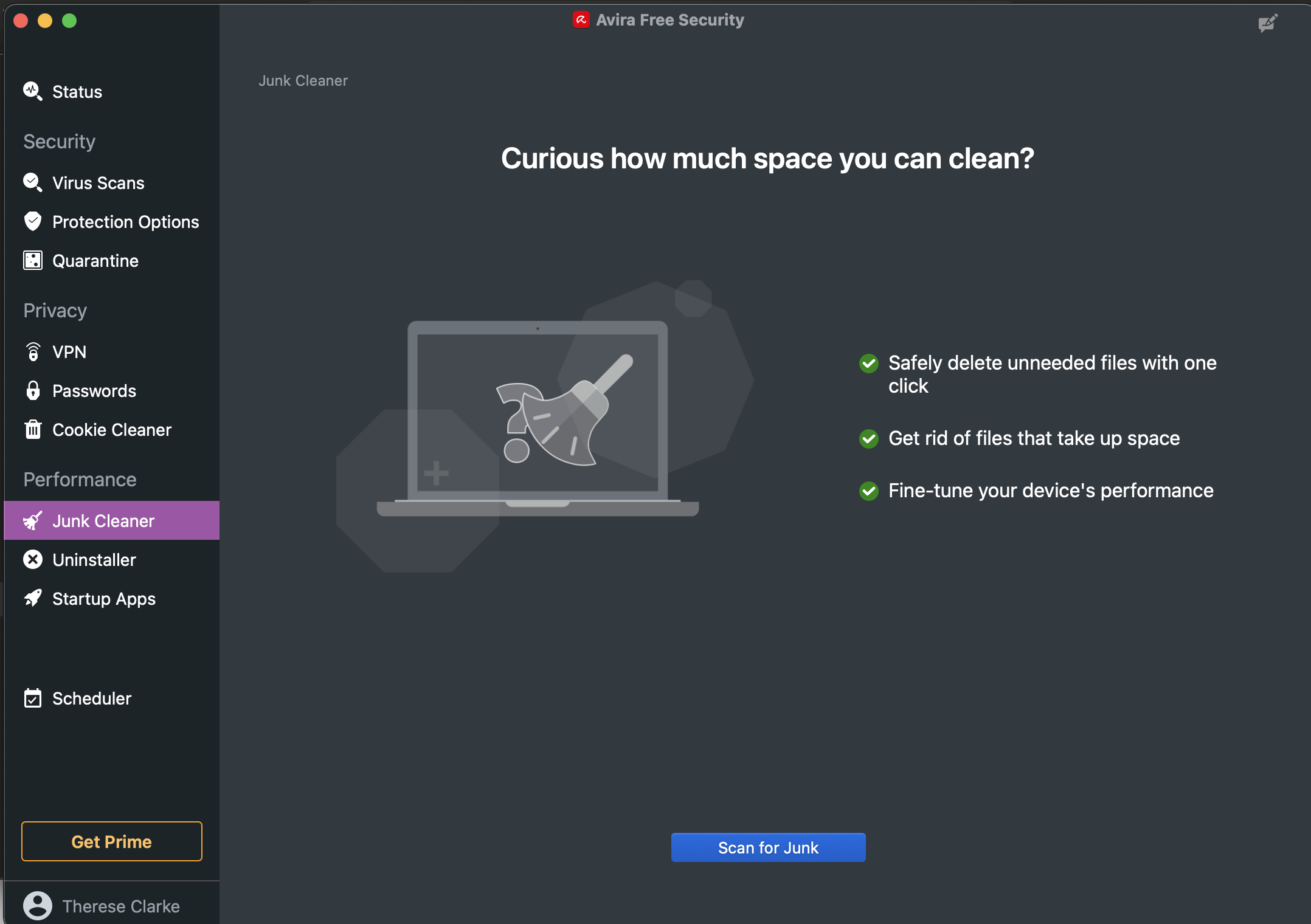
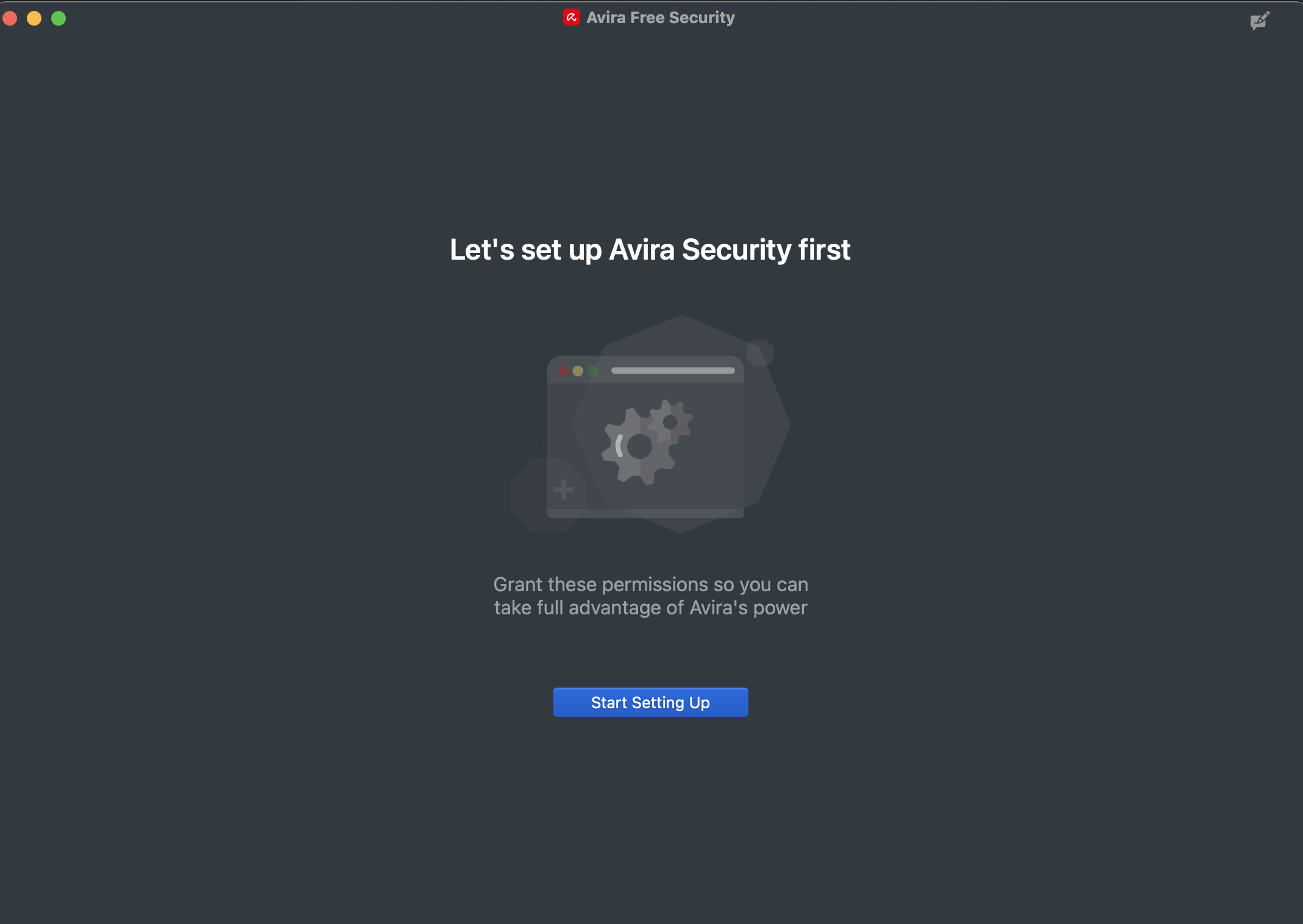
Hi, this same problem has happened for MacOS 11.4 with the recent security update. I have tried rebooting, I have tried uninstalling and reinstalling. When I click on the icon near my wifi indicator it opens the Avira window. Firstly the umbrella is closed and says that Avira is off. Secondly it asks me to set up Avira. It asks meet "Grant these permissions so you can take full advantage of Avira's power". I select the setup button and the system tells me that Avira is set up. I can see the scheduled scans but I can no longer run a smart scan - the button is greyed. I have included screen prints so that may help. I have a 2018 MacBook Pro 13inch with the latest version of MacOS which updated this morning Australia time. I hope you can help. Thanks in advance from Sydney!
 out2
out2 -

Same problem after updating to 11.4!
3 -
Would add that with the screen prints that I included for the 11.4 OS update impact on Avila, that when I open Avira to tart setting up as requested, I get the screen showing the scan options all greyed out. I have checked that disk access etc. has been granted. Everything is set up correctly, so this issue is caused by an issue between the OS and Avira that we cannot fix. Not sure if that helps any further but it clarifies further the issues.
2 -

I got the same probleme with the 11.4 OS update, i did it this morning. Umbrella is closed and says that Avira is off. When i launched Avira it tells me your antivirus protection is active with a green ticker, the umbrella remains closed. Please advise. Regards
5 -
Hello Avira Customer,
The problem since the update Big Sur 11.4. is described in the following post and is being worked on:
If anything is still unclear, please let us know, we are happy to help.
Best regards
-1
Vous devez vous connecter pour laisser un commentaire.
Commentaires
7 commentaires