


Protection of my wifes Mac
Terminée
Hi, why can¨t I forward an invitation to my wife's e-mail in order to protect her Mac. I only have one option: to send an e-mail to myself? Best Steen
-

Hello Steen,
Unfortunately, the information provided to us does not give us a clear picture of your question.
- Exact macOS name with version number
- Exact name of the Avira version
- Exact description of how to proceed so far, exact procedure
- Where is the problem which email forwarding
Please explain: I have only one possibility: to send an email to myself?
We are sorry that we cannot get a picture of your question with your information.
With the answers and precise information, we will try to help with concrete details.Many greetings
0 -
Hi,
receiving your responds, I shall try to describe the problem again.
Having a subscription on Avira Prime, I should be able to invite a fifth devise to be protected, i.g. my wifes MacPro.However, when I follow the adviced procedure in order to invite her, you tell me to download the program by sending an e-mail to my own e-mail address (computer) where it is already downloaded, see picture enclosed. It never gets on to her MacPro.That´s what I ment with “I have only one possibility ….”, se my proceeding below.Best Steen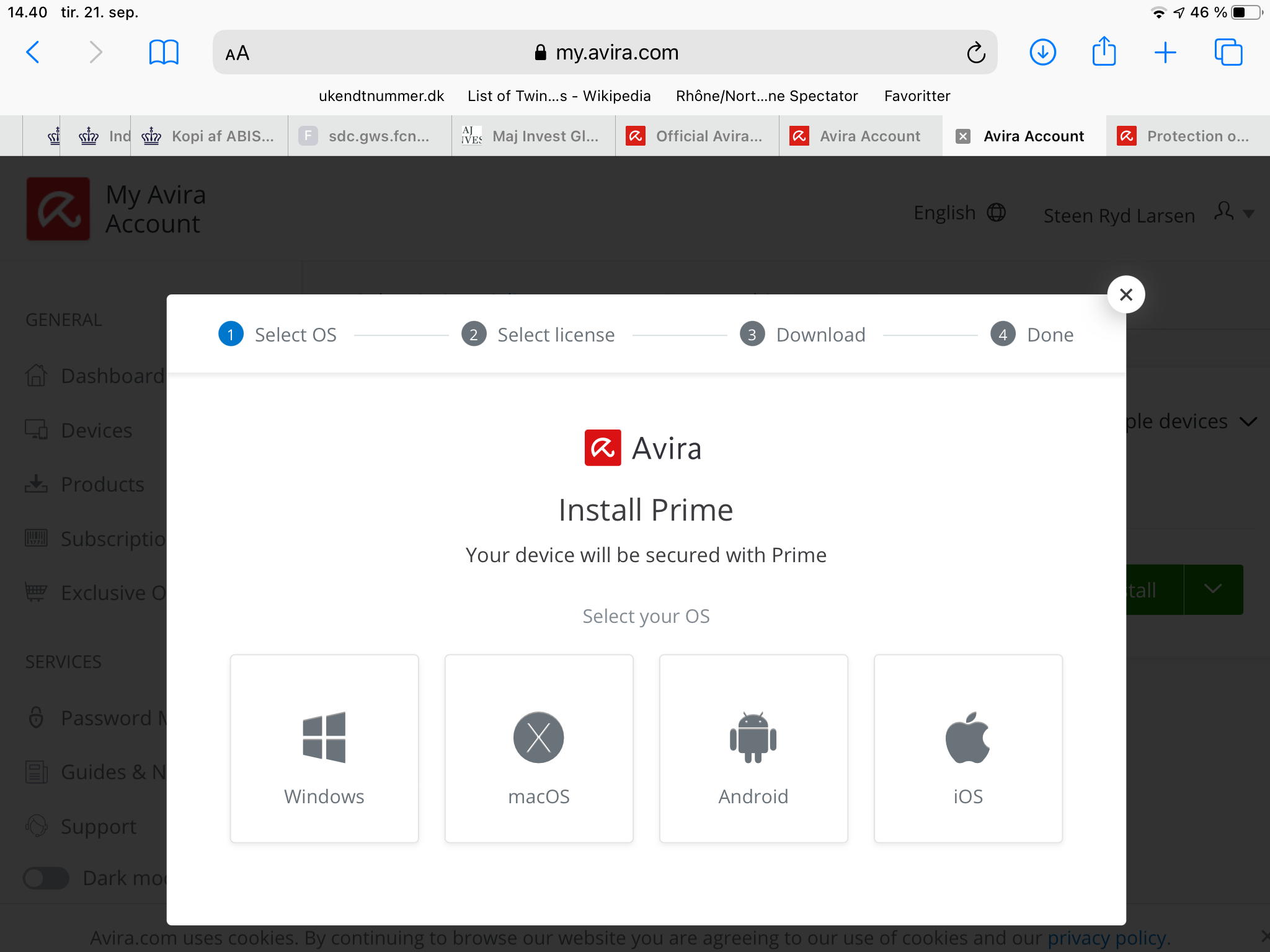
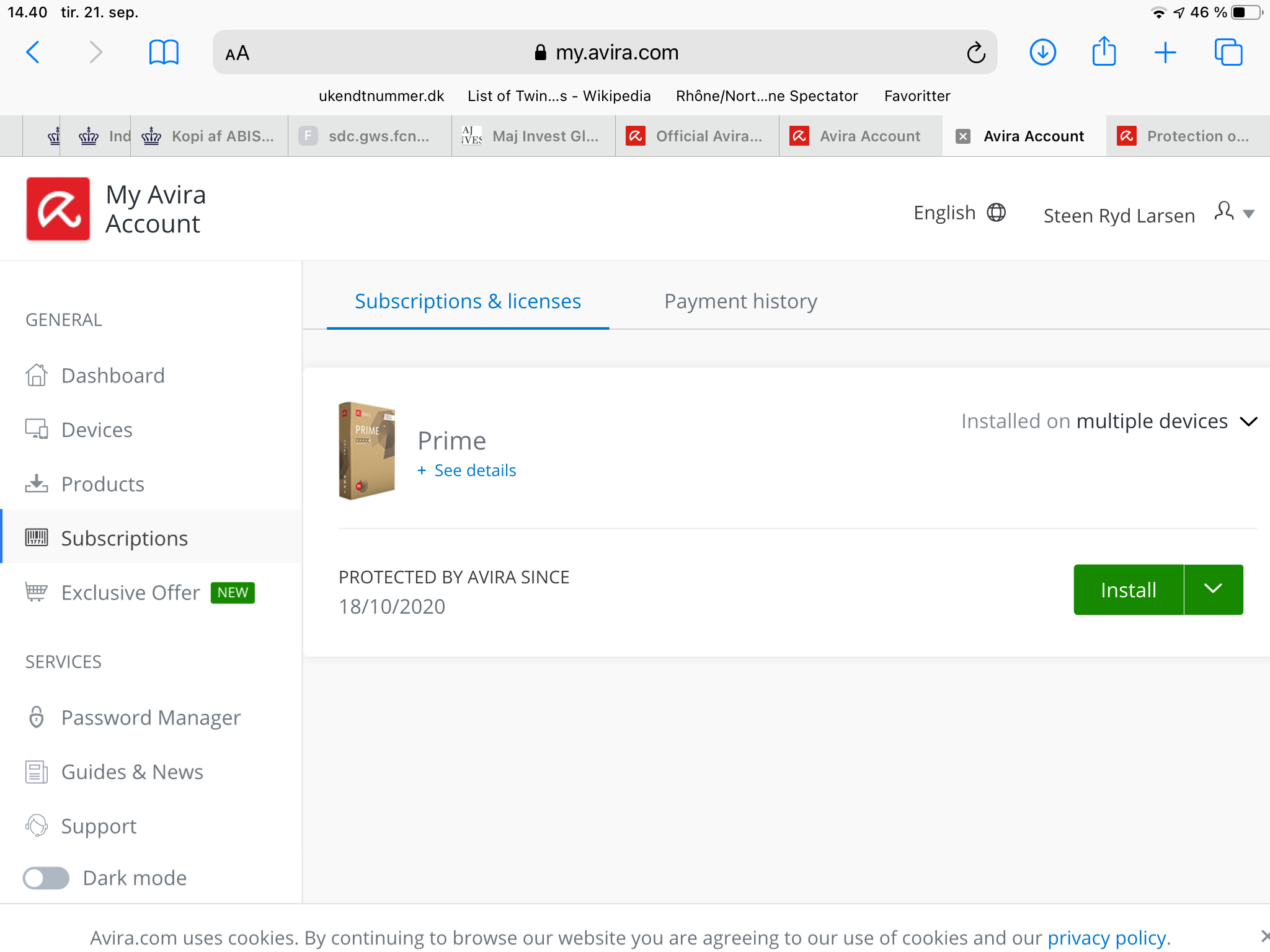
 0
0 -
Hello Steen,
The exact description of your wife's device is not given.
You are the owner of the licence, i.e. the licence is at the email address with which the licence was ordered.
Either go to your wife's device, log in to Avira for the license with your access data and click on "Install".
Or under Subscriptions, click on Add device, click on macOS.
Or you select macOS, send email from your computer, then the email with the access data for the license is sent to the macOS devices and can be opened and installed from there.
Without exact information, it is difficult to understand your problem.
Was the license ordered in the Avira online shop?
On which OS was the license ordered?
Can you see the license on your wife's device under ABOS in the customer account?You can find instructions here:
If something is still unclear, please let us know, we are happy to help.
Many greetings
0 -
Hi,
in reply to your e-mail of to day (16:55) I have followed your instructions which were very much alike my previous proceedure:
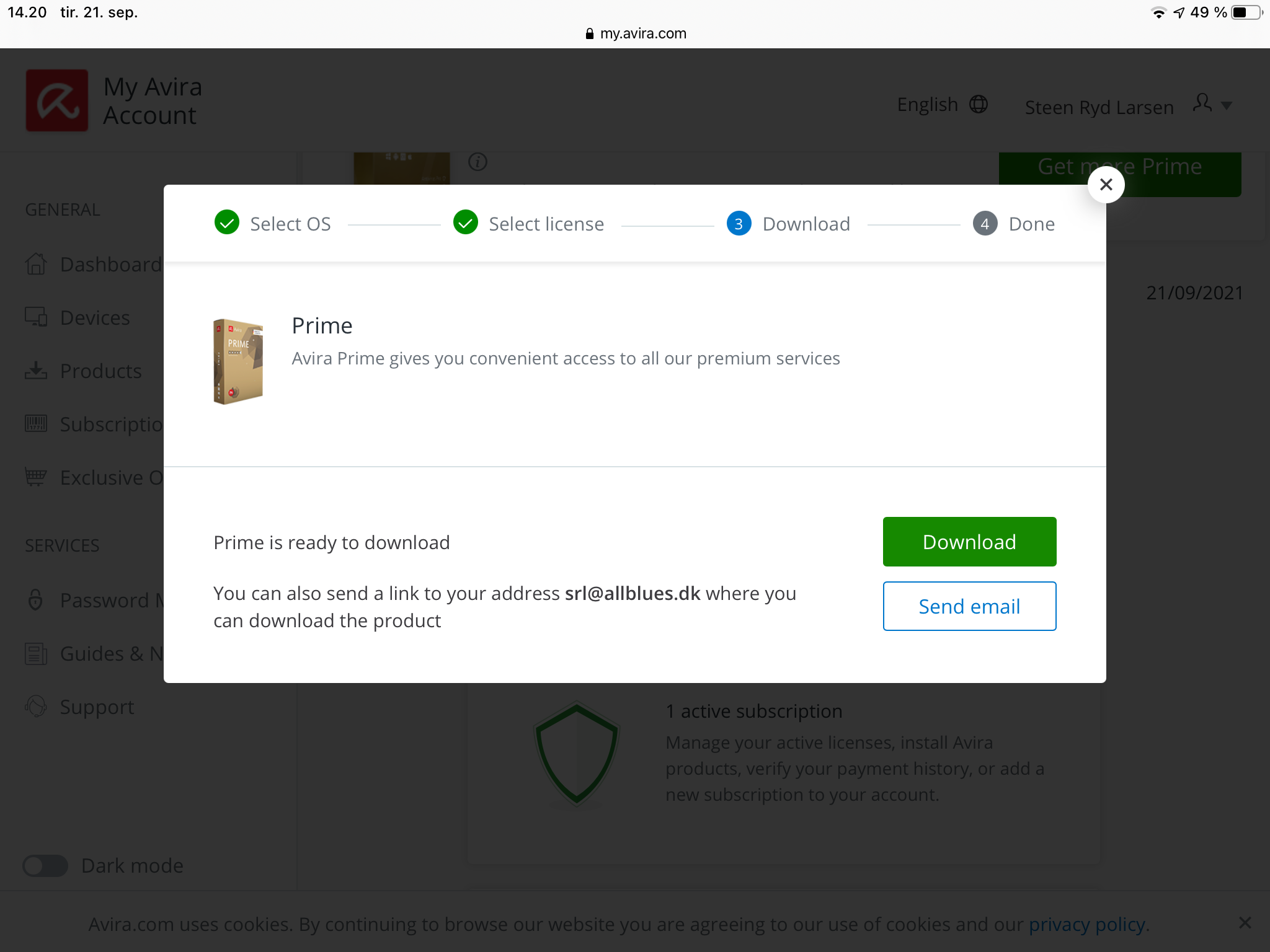
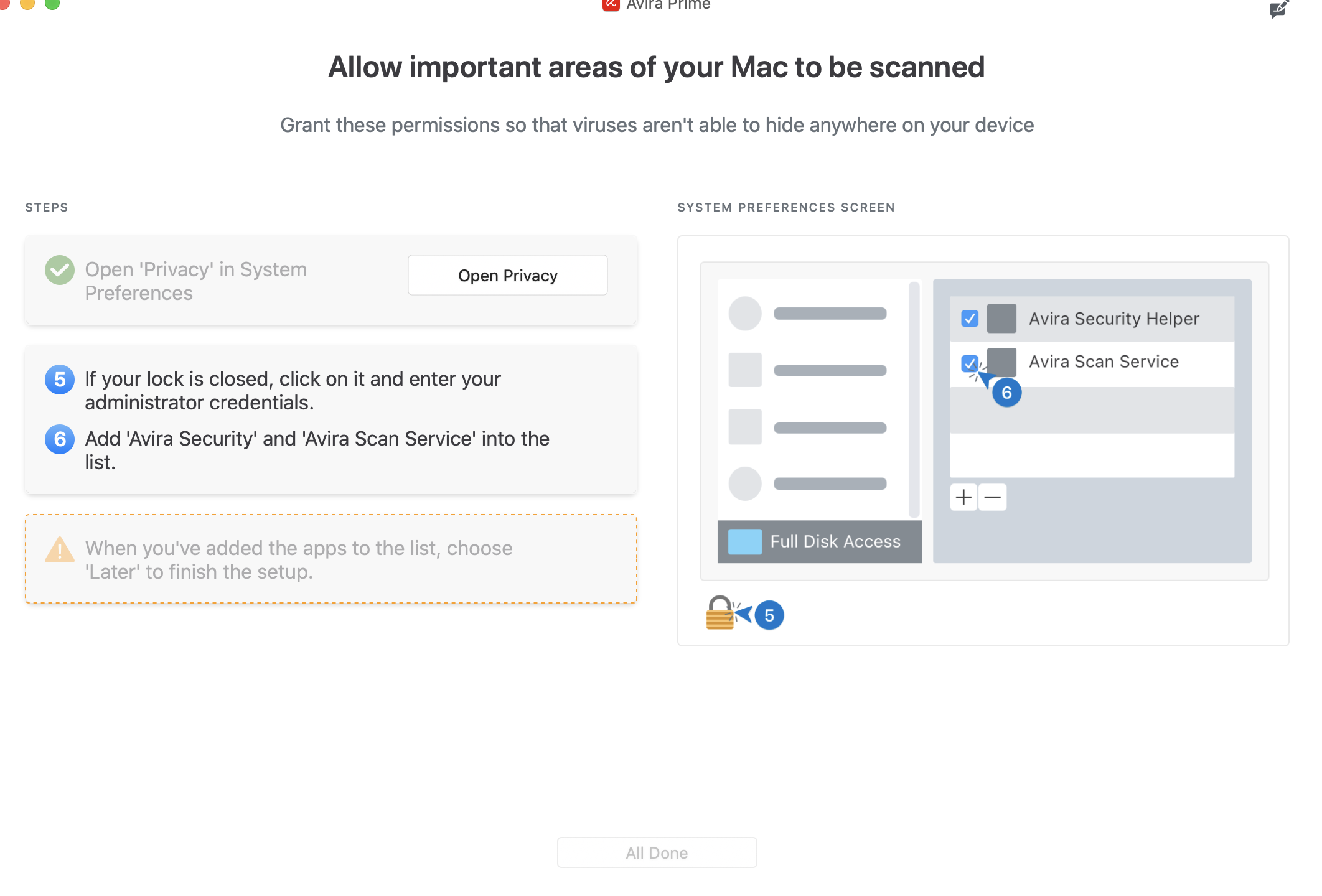
I went into my account on my wifes MacPro, I clicked on install, the program seem to be downloaded, but not installed: Results were the same when I clicked “install” and when I went through “Devises” and “Subscriptions”. See pictures. Your third option sending an e-mail from my PC still gives me, as I mentioned before, only the option of sending the e-mail to my own addess/computer, but to my wifes.
Further, I can inform you that my Avira Premium was ordered in the Avrira online shop and from my PC (Windows10). What is ABOS?
Best Steen
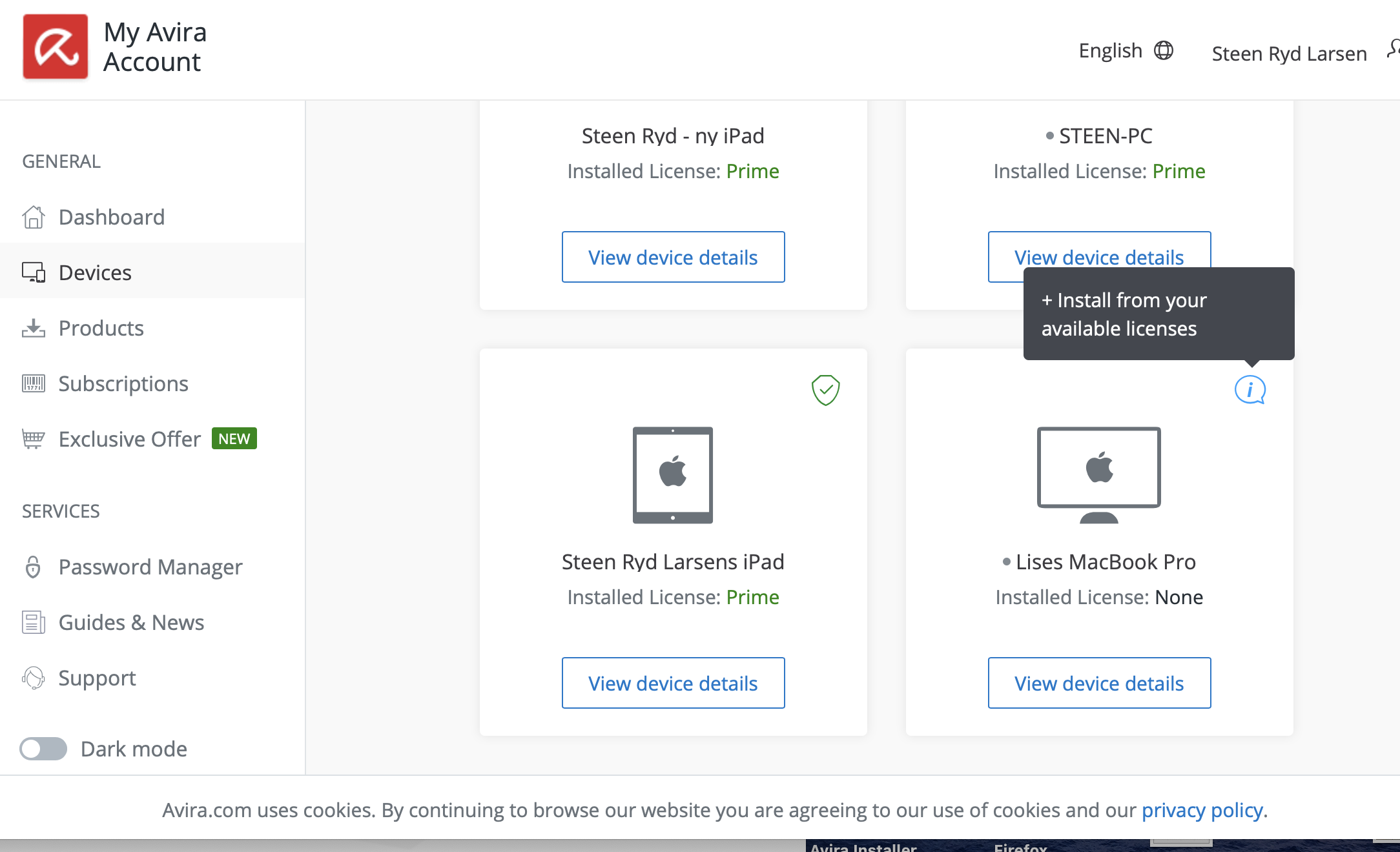
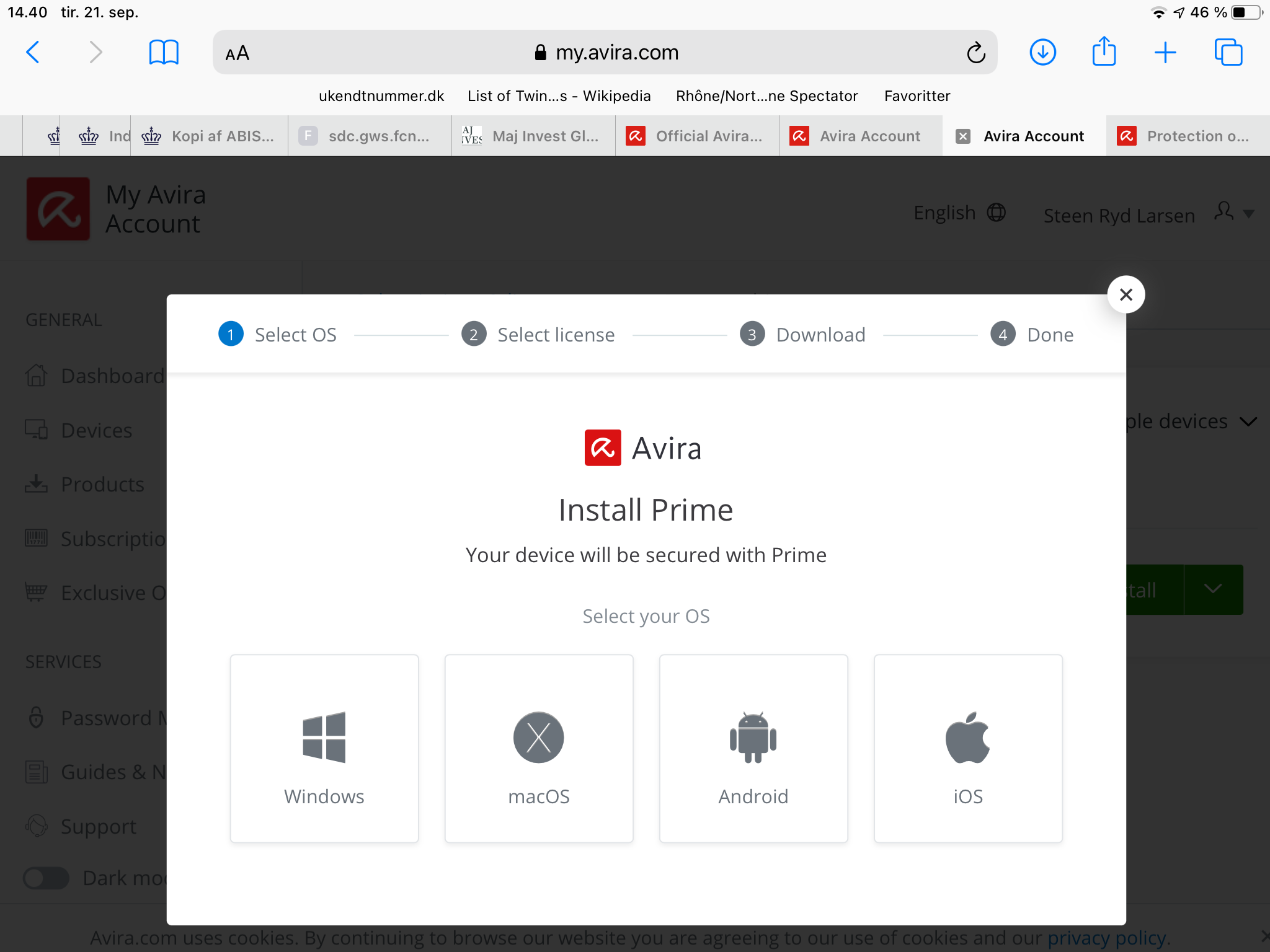 0
0 -
Hello,
Can you see the license on your wife's device under ABOS (Subscriptions) in the customer account?
Please specify the exact name of the macOS account.
Unfortunately, these questions were not answered.Every subscription purchased in the Avira online shop is assigned to a customer account, which is always assigned to the email address used for the purchase and is automatically activated under this email address.
This email sent to you with the activated license must be forwarded to your wife's macOS account and can then be installed directly from there by clicking on "Install" from the license installed under Subscriptions
This license - activated on your e-mail address - is then automatically sent to the macOS devices that are authorized in your customer account under Devices when you send your e-mail. We have described how to forward your e-mail with the activated license to your wife's account.See also the instructions under "Install Prime on Mac".
How do I purchase and install Avira Prime on cross-platforms? – Official Avira Support | Knowledgebase & Customer Support | Avira
We are a publicly accessible forum, personal data can and may neither be questioned nor answered here according to the General Data Protection Regulation. Questions about your license can only be answered by the support team via your customer account by email in accordance with GDPR.Premium customers with a valid license can contact the support team directly from their customer account:
- https://my.avira.com/en/dashboard/support/tabs/support
- or
- https://support.avira.com/hc/en-us scroll down to Contact Avira
Unfortunately, we do not have access to your account and your installation. This is possible for the support team to help you install the license on your wife's macOS account. We regret that we are unable to assist you further from the public forum due to missing data.
Thank you for your understanding
Kind regards
0
Vous devez vous connecter pour laisser un commentaire.
Commentaires
5 commentaires