


Unable to install
Beantwortet
I am trying to install on my Mac High Sierra 10.12.6 I go to start scan- and it says scan complete but '0' files scanned. I've checked the privacy settings and can not see the AVIRA icon ? I've tried uninstall and then re install and still no files seen to scan. Checked privacy settings again as per tube video- the icon still not appearing. Please Help. Thank you.
-

Hello Helga,
You describe that the Avira icon does not appear. This means that the installation is not correct. Unfortunately, you did not specify from where you downloaded the installation data.
Please check the predefined versions that Avira has displayed as a prerequisite for the installation.
Avira licenses for macOS – Official Avira Support | Knowledgebase & Customer Support | AviraYou did not specify which Avira version you want to install.
Customers of the Premium version with a valid license (who have purchased their license in the Avira Online Shop) can contact the support team directly:- https://my.avira.com/en/dashboard/support/tabs/support
- or
- https://support.avira.com/hc/en-us scroll down ⇒ Contact Avira
Based on your contract documents available there, your data of your licence and your installation can be viewed. These details should be helpful for information about your installation.
If anything is still unclear, please let us know, and we will be happy to help.
Best regards and have a nice weekend
0 -
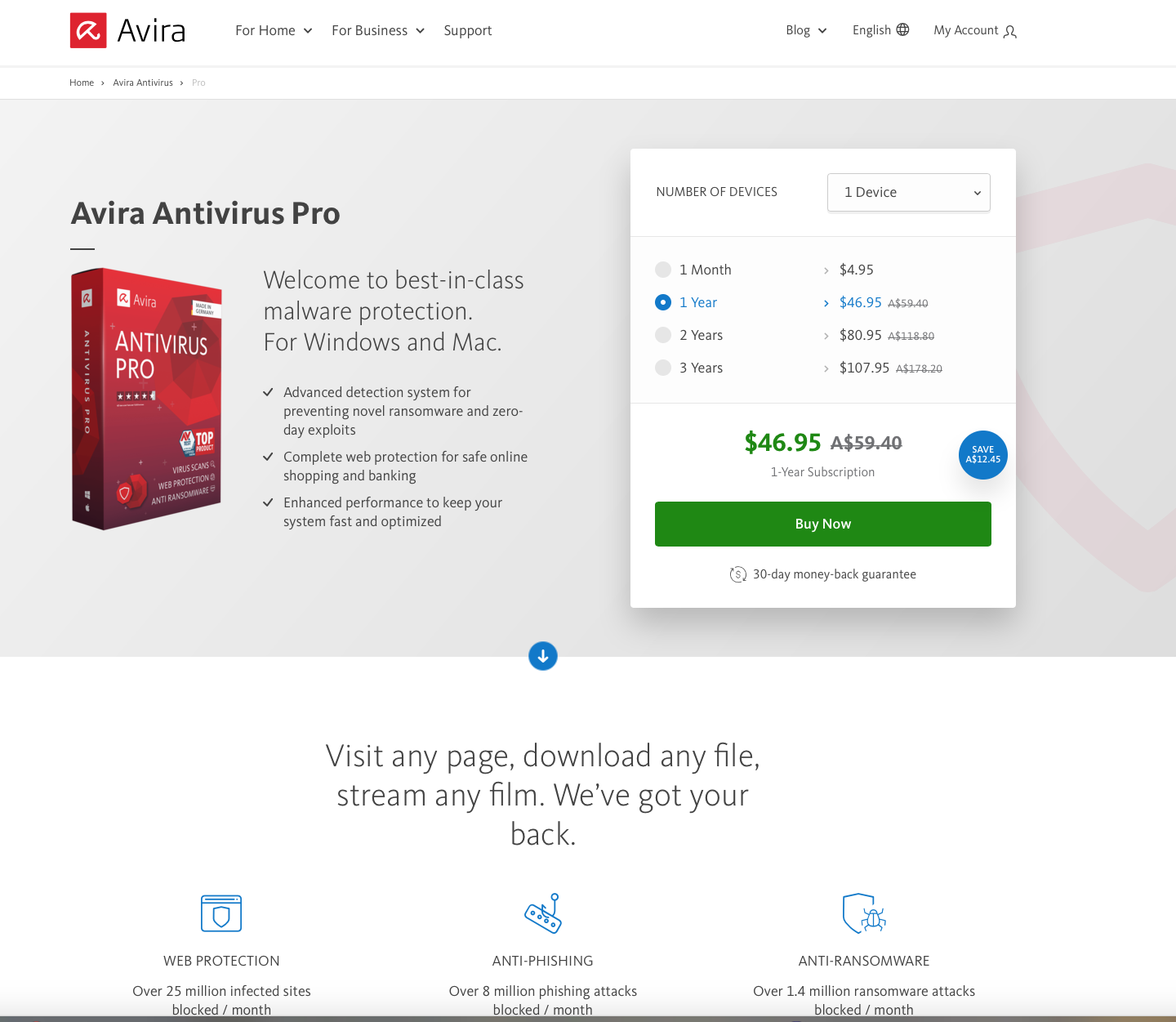
Your response email to my initial refund request did not address the issues I have with this product. My operating system is Sierra 10.12.6. Your AVIRA pro licence which I purchased from your online store, did not say that it required a system of Catalina or higher to install. This was not described on the purchase page.-which is what I was guided to. Your email link to system requirements addresses this. However maybe it should be described on the actual purchase page. Which also offers a 30 day money back guarantee.
I can not use your software and therefore request a full refund. Thank You. Helga. Paid License for PRO
 0
0 -
Hello Helga,
We are sorry that you had any complications with the purchase of the Avira licence.
We are a publicly accessible forum for everyone to view, personal data may not be processed here in accordance with the Data protection GDPR.
Questions regarding your license or Avira payment processing can only be handled by the support team via your customer account by email in accordance with the GDPR. Thank you for your understanding.- https://my.avira.com/en/dashboard/support/tabs/support
- Or
- https://support.avira.com/hc/en-us scroll down ⇒ Contact Avira
Below you will find instructions on how to request a refund. We regret that we cannot process this request for you here in the public forum.
Request a refund for your Avira order – Official Avira Support | Knowledgebase & Customer Support | Avira
If anything is still unclear, please let us know, and we will be happy to help.Best regards
0
Bitte melden Sie sich an, um einen Kommentar zu hinterlassen.
Kommentare
3 Kommentare