


Eps help request annoying logo
Completed
Hello everyone.
------------------------------------------------------------------------------------------
First of all, sorry for my English, I go through the Google translator
------------------------------------------------------------------------------------------
Under W7 64b,
I have installed "Avira Security Version 1.0.44.15540" (Free Version) on my PC for a long time and it works great.
However, recently I see a logo in the shape of a sphere with a crossed out just above my clock ?? (like a logo indicating "no more internet connection)
But my connection is Ethernet so there is no problem ...
and my internet connection is working fine ...
although this logo tells me otherwise ....
Do you understand me ?
See this capture:

This logo appears for no reason and we cannot remove it ???
except stop the process in the task manager.
I identified the process:
See this capture
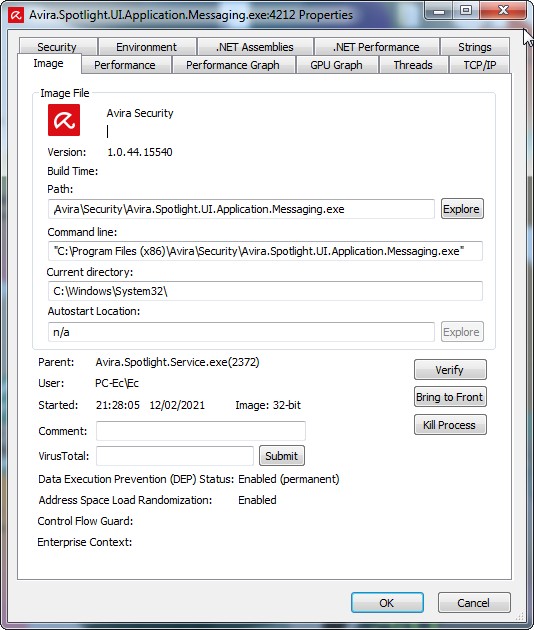
I have already stopped this process several times via the task manager because this window bothers me.
But ... sometimes she comes back ?????
What is it for ?
and how to delete it permanently?
I admit that I do not understand ....
1) what she means
2) what is it for
3) why does it stay permanently?
Would there be someone who could explain and tell me how to remove it permanently? Because this window is really in the way
Thank you for your help
Cordially
-

Hello,
Well, it seems that something went wrong. So please take a look here and follow these steps for a clean reinstallation:
Best,
Lukas Huptas
Avira Community Manager
0 -
Re Lukas Huptas ,
Firs, Thank you for your reply.
I followed your procedure (step 1 and 2 in safe mode) that you indicated to me.
And when I try to re-install Avira Free, (normal mode) this window appears :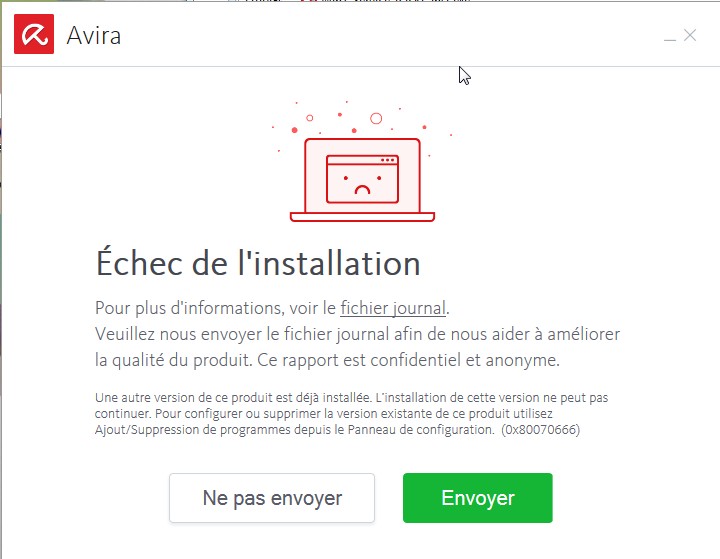
I sent my log file to avira, but I doubt one day to have an answer ...
how to re-install Avira?ps. (for information)
if I click on "view log file", it opens nothing and nothing appears on the screen ...)So I no longer have any anti virus installed for the moment.
Help to youThank you for your help
---------------------------------------------------------------
I deleted temporary files and recycle bin, repeated steps 1 & 2 as shown.
Now the install starts to install, but hangs at a certain point:
see these captures:I run this file: "avira_fr_av ___ sfp.exe"
this window appears (A1):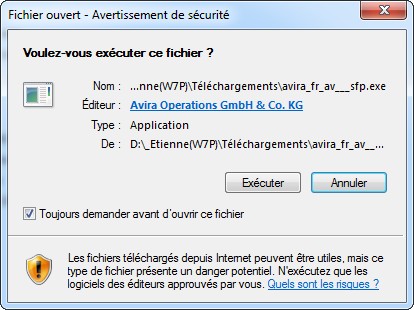
I make "execute".this window appears (A2):

I validate "accept and install"
and then this last window appears (A3):
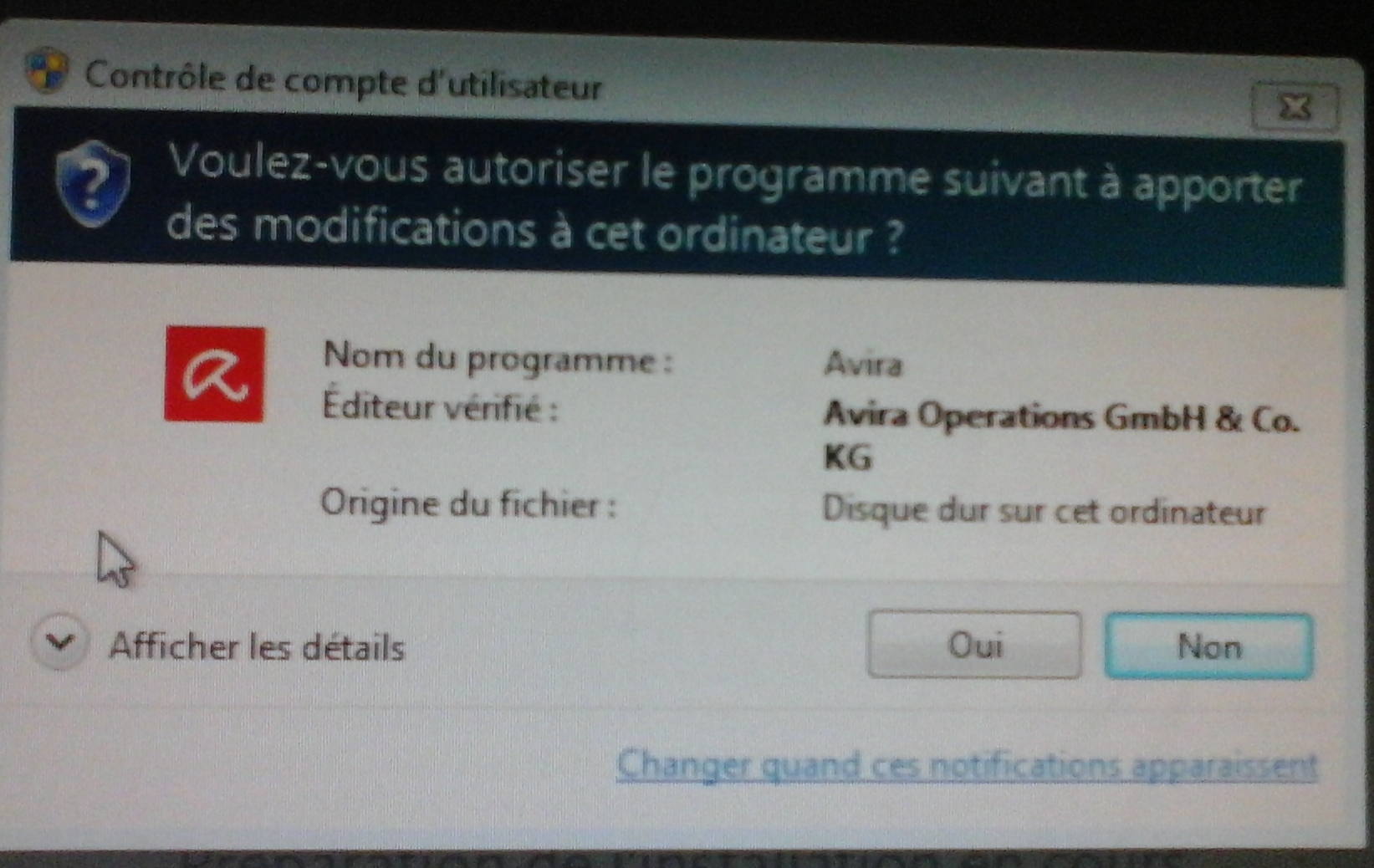
after this last window, everything stops?
what should be done ?
Help to you0 -
no one has an answer?
0
Please sign in to leave a comment.
Comments
3 comments