


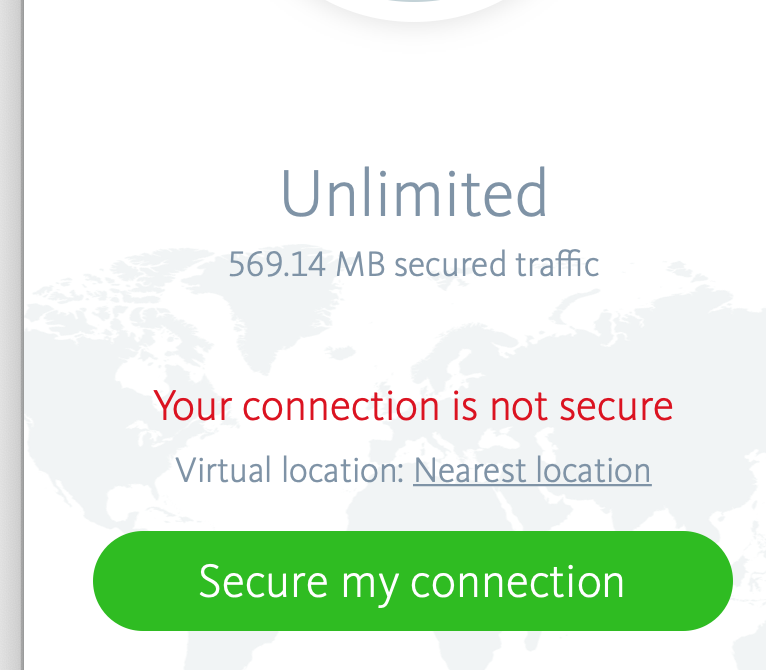
I cant connect to VPN on my MAC
Answered
Hi! I am a new user and I can't connect.
-
 0
0 -

Hello,
It would be very helpful if you could provide us with the necessary information so that we can get an idea of your installation and your concerns.
- Which OS is installed on your system? (Version with number, current with updates?)
- Which Avira version are you talking about? (Free, Pro, Standalone or Bundle)
- Did you purchase the version in the Avira online-shop or in the Apple App Store?
- Details from https://my.avira.com/en/dashboard/subscriptions/tabs/plans
- Exact description of the installation procedure
With the answers and precise information we will try to help with concrete details. Thank you for your understanding.
Many greetings
1 -

I have the same issue. Were you able to get an answer ?
2 -

I also have the same issue when installed on my Mac, has the latest browser, system all updated, bought Avira Prime from Avira website, I couldn't install/download the Phantom VPN from Avira My Account as the email link 'couldn't find the server com.avira.vpn', so I downloaded the free VPN version manually then upgraded to Pro, but same as above, it will not connect to Avira server. I've emailed Avira support - but I only get 'bot' answers that are no help, and now I cannot uninstall and re-install the VPN either - very frustrating!! Im still waiting for Avira support to answer me??
0 -
Hello Chris,
We have seen that you have already received a reply from the support-team.
Please stay with one ticket, with every new question outside the ticket a new one is created and gets a new ticket number. The old ticket will be integrated into the new one and will be added again as a new entry under the new ticket number.
Please stay in contact with the support in your ticket, there you can add further questions, and you will get answers there. Thank you for your understanding.
Many greetings
0
Please sign in to leave a comment.
Comments
5 comments