


Avira installer on MacOS 10.14.6 asking for FullDisk access
Completed
I just tried to install Avira for MacOS 10.14.6, and when I start the downloaded file I see a white box with "Avira Security.app":
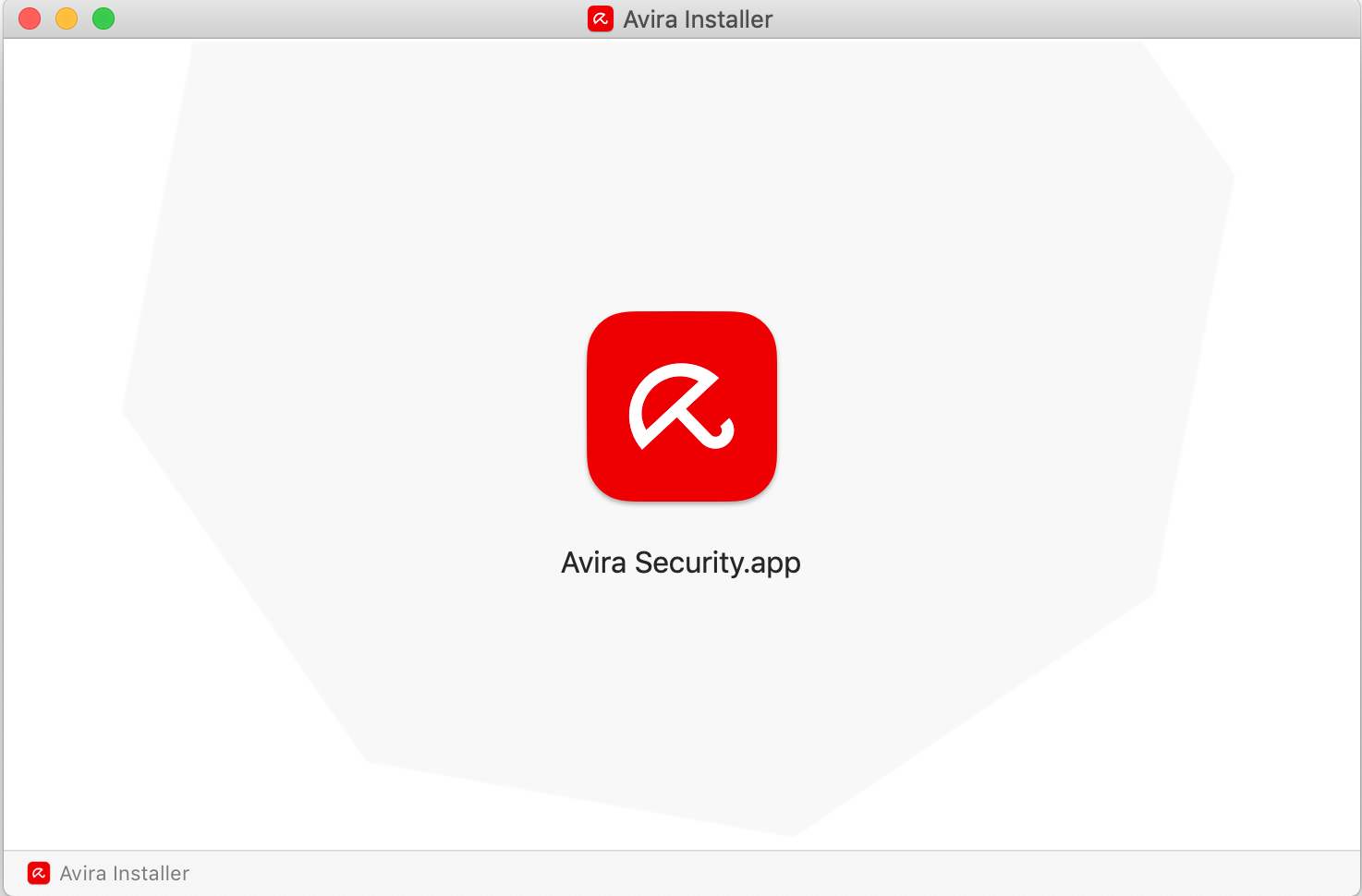
After I double click on it - nothing happens!
It would be great to know that SOMETHING was happening in the background. But no visible information was shown.
Then I needed to grant FullDisk access which I was able to do. And now I cannot start Avira, as it is asking to grant access for FullDisk, which I already have done!
So how to convince Avira that it has FullDisk access?
-

Hello Alex,
Did you follow these instructions?
Many greetings
0 -
Ah, you REALLY have to drag that symbol ONTO the Settings! You must not follow the steps-by-steps instructions, they are either outdated or describe something else.
There is Avira and "Avira Services", which you do not find in Applications!
The installation procedure is really far too complicated and needs to be reviewed.0
Please sign in to leave a comment.
Comments
2 comments