


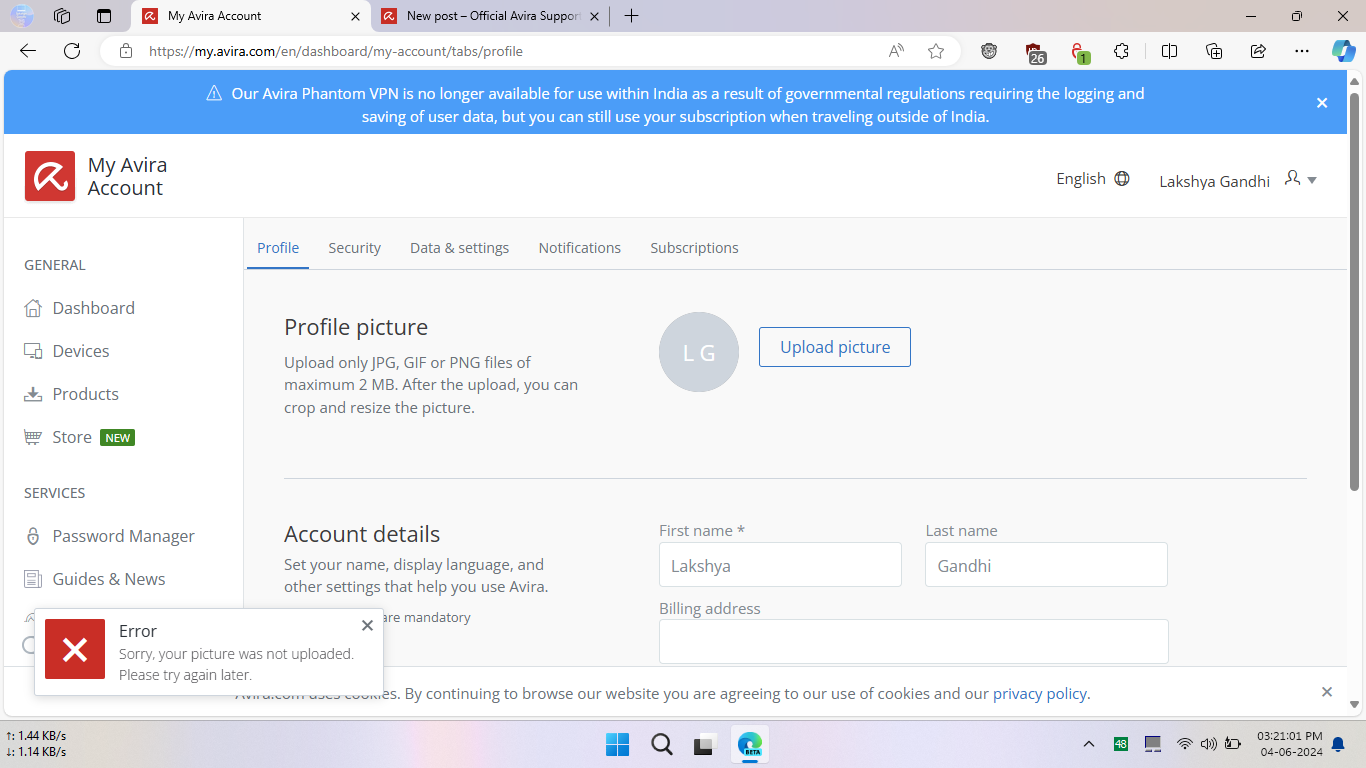
Cannot upload jpeg picture as a profile picture in my avira account
Completed
I have recently tried to change my profile picture. Previously, there was a one, but now I wanted to change. However, it gives me error message. I deleted my account and again created fresh one having the same email. But still it isn't working.
-

Hallo Lakshya Gandhi,
You are writing here in the Avira Community, a publicly accessible forum - an user2user forum. With the information provided to us, we cannot follow your request.
The Avira Community is subject to the strict requirements of the General Data Protection Regulation. Unfortunately, questions about your licence or installation can only be answered by the support team via your GDPR-compliant customer account by email. We have neither access to your Avira customer account nor to your Avira installation. See the Avira community guidelines: "How to create a post! ⇒ Details matter"
Avira Community Guidelines – Official Avira Support | Knowledgebase & Customer Support | Avira
Under your two posts today, you have entered a new or other email address under which no Avira licence is stored. You are talking about longer Avira experiences with your installations. Therefore, your details cannot be correct for the email address of your Avira order or 1st installation and today's enquiry.
When you download a free Avira product or purchase an Avira premium product, the product is automatically activated and a personal Avira account is created for you at the email address used for this process. Please note the e-mail address used when ordering the Avira software!
You have already contacted the support-team. The digital assistant Mark drew your attention to this: ‘I'm here to help you, but my support is limited to your subscription’ and ‘If you have a customer account, please log in to take advantage of Premium Support.’ You have already been made aware of this in the chat. Again, only with a correct registration for Premium Support is a satisfactory answer possible for you.
Please log in correctly with the access data of your licence, then the support team can check your settings. Thank you for your understanding.
Kind regards
0
Please sign in to leave a comment.
Comments
1 comment